SSD vs HDD: Which Storage Should You Choose?
An SSD can make your computer feel five years newer. Here is what to know before upgrading or buying.
The short answer
For speed: SSD, always. For storing huge files cheaply: HDD still wins per gigabyte. Many people combine both — SSD for Windows and programs, HDD for archives.
How much faster is an SSD?
A SATA SSD like the Samsung 870 EVO boots Windows in a fraction of the time a hard disk takes, and NVMe SSDs are faster still. Programs open instantly and file copies finish in seconds.
Upgrading an older laptop
If your laptop still runs a hard disk, swapping in an SSD is the single best upgrade you can make. We do it in the shop while you wait — bring the machine to Jamia Mall Shop F99 or WhatsApp us.
What to check before buying
- 2.5" SATA fits most older laptops
- M.2 NVMe only fits newer machines — we check compatibility free
- Buy 250GB+ for a system drive
Related reading
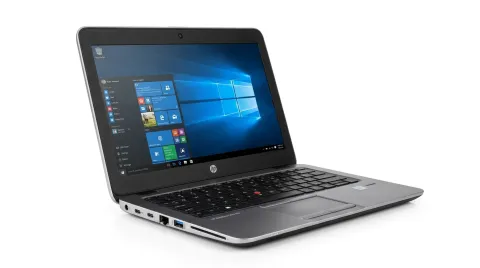
Best Laptops for Students in Kenya
How to choose the right processor, RAM, storage and battery life for assignments, research and online classes — without overspending.
Read article →