
Best Laptops for Students in Kenya
How to choose the right processor, RAM, storage and battery life for assignments, research and online classes — without overspending.
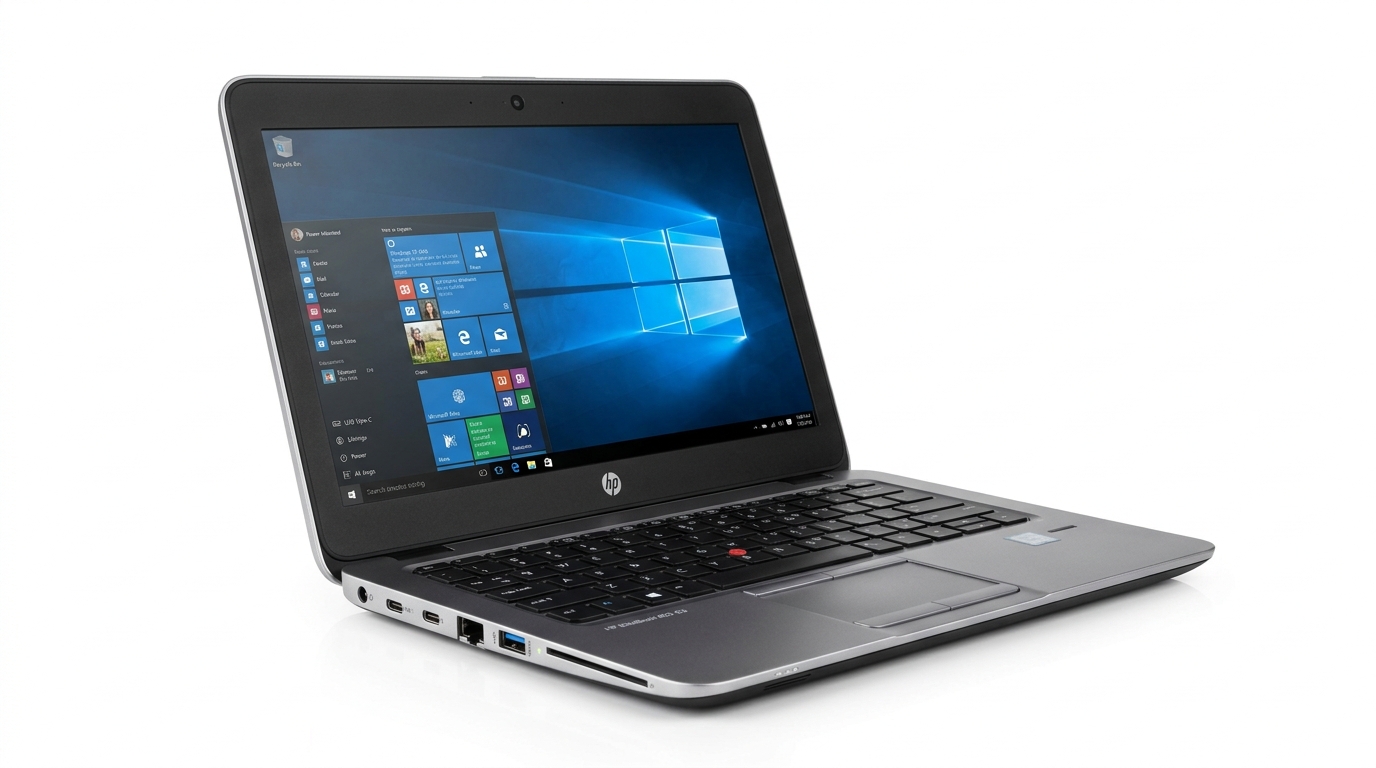
What a student laptop actually needs
Most university work is browser based: research, Google Docs, e-learning portals, Zoom and YouTube. That means you do not need a gaming beast — you need a machine with a modern processor, enough RAM and an SSD. Here is how to get it right.
Processor: aim for Core i3/Ryzen 3 or better
An Intel Core i3 (10th gen or newer) or AMD Ryzen 3 handles student workloads comfortably. If your budget stretches, a Core i5 with 16GB RAM will still feel fast in your final year. See our student laptops for vetted options.
RAM: 8GB is the sweet spot
4GB struggles with modern Chrome tabs plus a Zoom call. 8GB keeps things smooth.
Storage: insist on an SSD
An SSD makes a laptop feel dramatically faster than a bigger hard disk ever will. A 256GB SSD is plenty for notes and projects — keep big media on the cloud or an external drive.
Battery life matters more than you think
Look for 6+ hours of real use so you survive lecture halls with few sockets.
Our honest recommendation
Start from around KSh 30,000 for a dependable new machine. Every laptop we sell is quality checked — and if a cheaper option fits your course better, we will tell you honestly. Ask us on WhatsApp any time.
Related reading
SSD vs HDD: Which Storage Should You Choose?
An SSD can make your computer feel five years newer. Here is what to know before upgrading or buying.
Read article →